
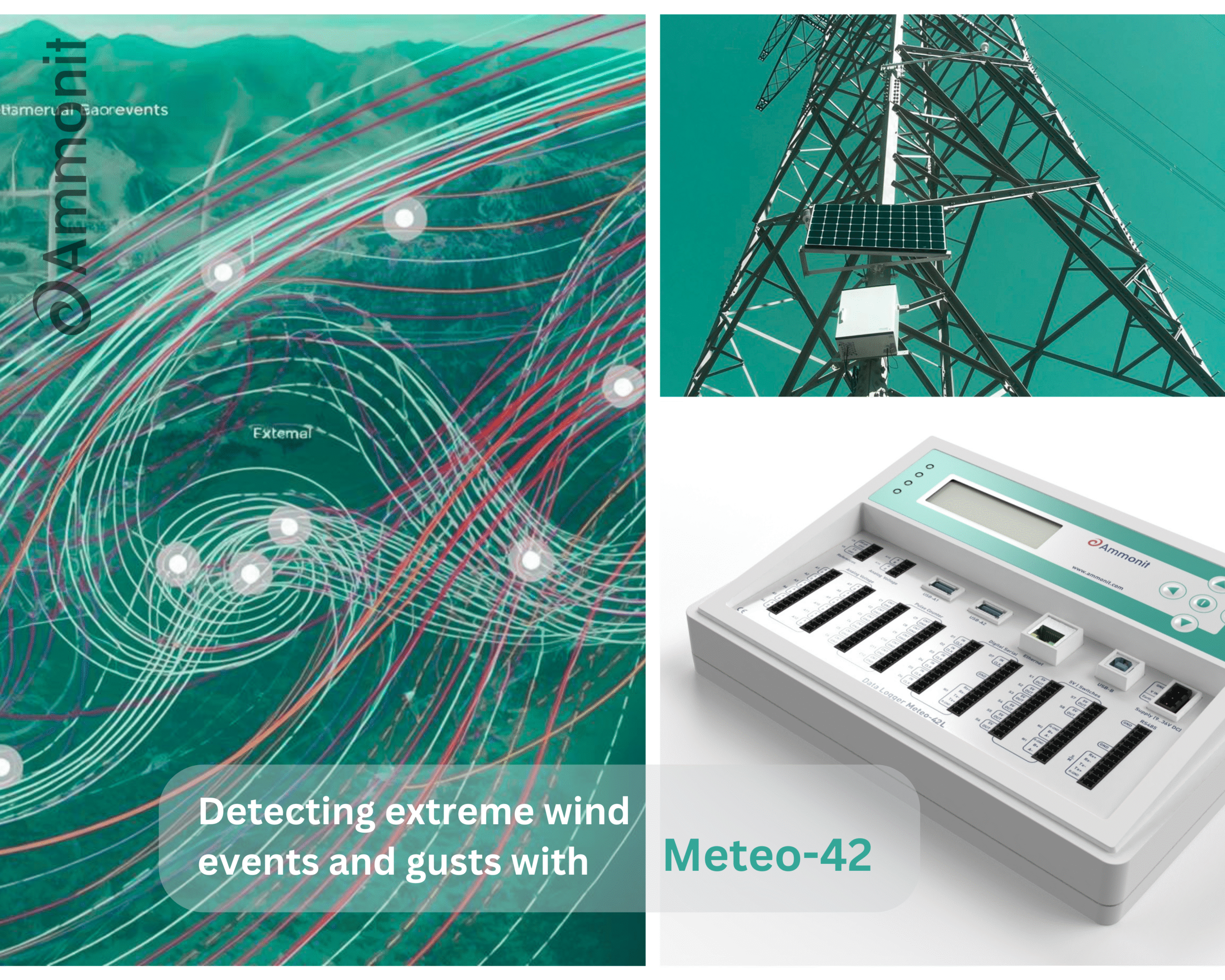
Detecting extreme wind events and gusts is essential for comparing geographical terrain characteristics and estimating wind turbine loads. The Meteo-42 enables you to generate dedicated CSV files containing high-frequency measurements captured during gust events.
Configuration and Activation
To enable gust data file generation, navigate to Data → Gusts in the web interface.
Aspect | Description |
File Interval | One gust CSV file is generated per day, or according to your configured interval in Data → Statistics. |
Empty Periods | If no gust is detected during a period, a file containing “No gust events in this period” is created. |
Gust Detection Logic | A measurement qualifies as a gust when the selected trigger evaluation exceeds the configured threshold for a minimum number of consecutive repetitions, but not more than the maximum. |
File Content | Each gust CSV file includes the gust event plus a specified time buffer before and after the event (defined by the time overhang parameter). |
Existing Projects | When activated in a running project, all existing source data will be analysed. This process may take several hours. We recommend setting a start date to generate files only from that point forward. |
Configuration Parameters
Configure gust detection in the “Configure gust parameters” screen by specifying your sensor and threshold values. Click “Select evaluations” to choose which measurements (e.g., Top Anemometer Wind Speed, Hygro/Thermo Temperature) should be included in the gust CSV files.
Parameter | Example Value | Description |
Trigger evaluation | Top Anemometer | The sensor/evaluation used to detect gust events. |
Gust threshold value | 20 | The value the trigger evaluation must exceed to qualify as a gust. |
Minimum repetitions | 3 | Minimum number of consecutive measurements exceeding the threshold. |
Maximum repetitions | 15 | Maximum number of consecutive measurements exceeding the threshold. |
Time overhang (s) | 15 | Number of seconds before and after the gust event included in the file. |
Tipps:
- Select only relevant measurements to keep file sizes manageable.
- Use appropriate threshold values based on your site conditions.
- Consider your analysis needs when setting time overhang duration.